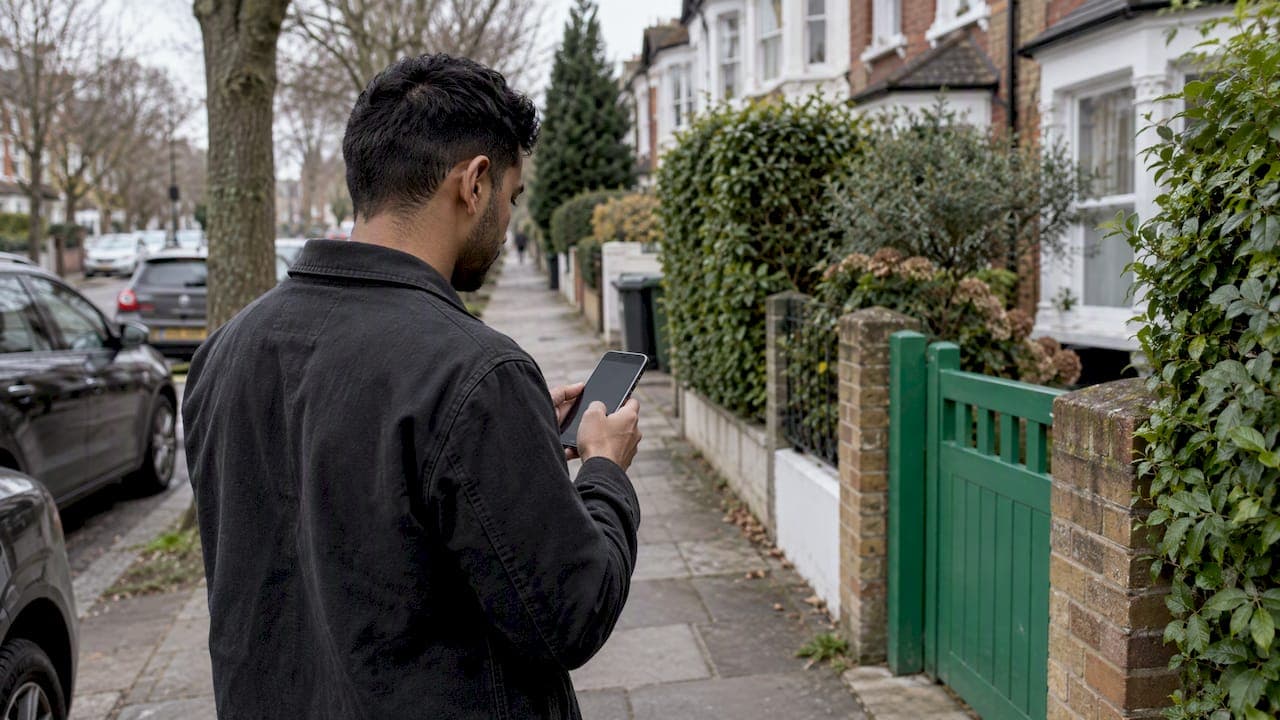
The best search radius is the smallest one that still shows you enough good options. Start tight, around the distance you would happily drive for that specific item. Widen it in steps only when results run dry, and price the extra travel before you commit. Sellers can use the same logic in reverse: a wider radius brings more eyes on a listing, but only the buyers who can actually collect will close.
This guide covers how a radius works, how to set one for buying and selling, how to expand it without drowning in junk results, what distance really costs, and how to keep a farther meetup safe.
TL;DR
- Set your radius by what the item is worth to you: a $15 lamp deserves a short drive, a $900 sectional or a rare camera lens may justify a longer one.
- Widen in steps (for example 5, 15, then 30 miles) and keep your keywords, price ceiling and condition filters identical at each step.
- Count fuel, time, helpers and a possible truck rental before you chase a far-away bargain.
- Radius settings behave differently from one marketplace to the next, so check what the distance number actually does.
- The farther the listing, the more you should confirm before leaving: photos, model details, payment and a public meeting spot.
Table of Contents
- What a search radius actually does
- How to choose a radius as a buyer
- How to expand your search radius when results are thin
- What distance really costs
- Radius tips for sellers
- Keeping a farther meetup safe
- Etiquette when you ask someone to come far
- Our perspective
- Find your next deal close to home
- FAQ
- Sources
What a search radius actually does
A search radius is a boundary drawn around a point on a map. You place the point by typing a city, ZIP code or address, or by dragging the map, and the app shows listings that fall inside the circle. Documentation on location-based sourcing tools describes it the same way: a geographic boundary around a pin.
The number is not applied identically everywhere. According to that same documentation, some classified sites apply the distance directly, some large social marketplaces do not pass it through and may return results from a wider area, and others round it up to the nearest supported distance. In practice, that means "10 miles" can mean different things depending on where you type it.
Two habits protect you from that confusion:
- Look at the distance shown on each listing, not just the radius you set.
- Check where your pin actually sits. A pin left on an old address or a city center can quietly shift the whole circle.
How to choose a radius as a buyer
The most useful question is not "how far is too far?" but "how far would I travel for this particular thing?" Price, condition and how easy the item is to replace all change the answer.
Match distance to the item
| Item type | Starting radius | Why |
|---|---|---|
| Low-priced household goods, kids' clothes, books | 3 to 10 miles | The trip should cost less than the savings |
| Bulky furniture, appliances, gym equipment | 5 to 15 miles | Loading and a possible truck make long trips painful |
| Mid-priced electronics, tools, bikes | 10 to 25 miles | Worth a short drive if you can test it in person |
| Scarce or high-value items (specific models, collectibles, vehicles) | 25 miles and up | Fewer sellers, so a longer trip can be justified |
These are starting points we suggest, not rules. Your own commute, vehicle and schedule matter more than any table.
Run more than one search
Instead of one giant alert that mixes everything, split your hunting into three habits:
- Local action: a small radius for things you could pick up this evening. Check it often.
- Regional option: a medium radius for items worth a planned Saturday trip.
- Wide research: a large radius you check occasionally, mainly to learn what things sell for and how rare they are.
Keeping these apart means your push notifications stay meaningful. A ping from the small circle is something you can act on; a ping from the wide one is information.
Keep the filters constant
When you widen a search, change one thing: the distance. Keep the same keywords, model or version, condition, price ceiling and exclusions. If you loosen several settings at once, you cannot tell whether a good result came from the wider radius or from a sloppier filter, and you end up sorting through listings that were never what you wanted.

How to expand your search radius when results are thin
Too few results is the usual reason people widen the circle. Before you do, check whether distance is really the problem.
Diagnose first
Search-engine documentation makes a point that applies to shoppers too: the right radius depends on how dense the listings are. Algolia's geolocation guide advises a smaller radius when many matches sit near the center and a larger one when few are nearby. It also notes that restrictive filters can still return very little even with a huge radius.
So if you see three results at 10 miles and three at 50, the culprit is probably your filters, not the map. Try loosening these in order:
- Remove a color, size or accessory word from your keywords.
- Accept a slightly older model or a lower condition grade.
- Raise the price ceiling by a small amount.
- Only then, widen the distance.
Widen in steps
Jump from 5 miles to 100 and you flood the screen with listings you will never act on. Go in stages, and stop when the result count becomes workable. A simple rhythm:
- Start at your local number.
- If you see fewer than a handful of relevant results, go up by roughly half again.
- Repeat until you have enough to compare, or until the trip cost starts to outweigh the savings.
Developers follow a similar pattern. Algolia's support team explains that automatic expansion takes application logic: run a small-radius query first, check whether the count is below a chosen threshold, then run a second query with a larger radius. You can do the manual version yourself.
Use saved searches and alerts
If the thing you want is rare, do not keep refreshing. Save the search at a moderate radius, turn on notifications, and let the listing come to you. New posts from nearby sellers often appear in the first hours, and being early matters more than casting a huge net.
What distance really costs
Map miles are only part of the bill. A $60 bargain 40 miles away is not a bargain if the round trip eats fuel, an afternoon and a failed pickup.
Before widening, estimate:
- Fuel or transit fares for the round trip
- Parking and tolls
- A truck, trailer or helper for bulky items
- Your time, including loading and unloading
- The risk of a failed trip, such as a seller who stops replying or an item that is not as described
Transportation research backs up how heavily people weigh the non-driving parts of a trip. The Transportation Research Board's TCRP Report 54 says travel comparisons should include access, waiting, in-vehicle, transfer and destination-access time, and notes that passengers perceive waiting and transfer time as roughly two to two and a half times as long as time spent riding. The lesson for pickups is simple: the hassle around the drive counts for more than the drive itself.
A quick worked example
Say a used bookcase is listed at $80 and a similar one 30 miles away at $45. The cheaper one saves $35. Now add a round trip of 60 miles, a borrowed or rented vehicle, and about two hours of your time. Unless you were going that way anyway, the closer bookcase wins. Flip the example to a $400 power tool listed at $250 and the trip may well pay for itself.
For big pieces, measure first so the trip does not fail at the doorway. Our guide on how to measure furniture for pickup walks through it step by step. If a long haul looks too heavy, compare it against the other route in shipping versus local pickup.
Radius tips for sellers
A radius matters on the selling side too, even though you do not type it into a search box.
- Pin your listing accurately. Buyers search from their own location outward, so a wrong pin hides you from the people closest to you.
- Match your item to your reach. A big, awkward item sells locally. A small, valuable or scarce one can attract buyers who will travel, so mention in the description that you are open to a meetup point halfway.
- Say what you can do. Note whether you can meet at a public spot, whether the buyer must collect, and your pickup windows. Clear terms filter out time-wasters before the first message.
- Be ready to hand it over. Clean, packed and near the door beats "let me dig it out." Our local pickup tips explain how to have an order ready.
If a distant buyer is interested, agree on timing and location in writing before anyone drives. The meetup scheduling tips cover how to confirm and what to do when plans slip.
Keeping a farther meetup safe
The longer the distance, the less you know about the area and the person. Safety habits matter more, not less.
The basics are well established: meet in a busy, well-lit public place, bring a friend if you can, and tell someone the time and place. Many police departments also offer designated exchange spots, often in their parking lots. Keep your home address private, inspect the item in person before paying, and confirm that payment has actually cleared before you hand anything over. Stay away from off-platform payment routes that are hard to reverse.
Consumer Reports' president has warned that peer-to-peer marketplaces can expose users to risks such as recalled products and scammers hunting for personal information. That is a good reason to check any item you buy secondhand for recalls, especially children's products.
A few distance-specific habits:
- Verify before you leave. Ask for a photo with today's date or a short video, and confirm model numbers.
- Pick the meeting spot near the middle, not outside the seller's home.
- Set a go/no-go rule. If the item is not as described, you walk away without awkwardness. If you need to back out before paying, see how to cancel a deal before payment clears.
- Plan your timing. Daylight and a charged phone make a long trip much easier to manage.
For a full step-by-step, our safe meetup locations guide includes a scheduling plan and ready-to-send messages. Sellers should also read about local selling scams before releasing an item, and everyone benefits from the broader online classifieds safety checklist and the notes on secure payment methods for U.S. consumers.
Etiquette when you ask someone to come far
A wide radius means people sometimes travel a long way to see your item, or you travel to see theirs. Good manners keep that from going sour: reply promptly, confirm the day before, say so early if you are no longer interested, and never haggle at the door over a price you already agreed to. More on this in our local marketplace etiquette guide.
Our perspective
We built Marketplace around a simple idea: local deals work best when they stay local. Location-based search, instant chat and push notifications exist so that the right nearby listing finds you quickly, and you do not need to cast a wide net to get a good result.
Our advice is to treat the radius as a dial, not a switch. Start close, let alerts do the watching, and widen only when an item truly deserves the trip. Before you do, use chat to confirm details, agree on a public meeting spot and check seller ratings. Verified seller ratings, secure payments and buyer and seller protection are designed to make that extra step feel less risky.
The same applies when you sell. A clear listing, an accurate location and a ready-to-go item make nearby buyers say yes fast, which is how most good local sales happen.
Marketplace
Find your next deal close to home
If you are ready to put these tips to work, Marketplace lets you browse nearby listings in categories such as electronics, fashion, vehicles, pets, home and garden, hobbies, health and beauty, and entertainment. You can chat directly with sellers, check their ratings and get alerts when something new appears near you.
Browse local listings or post your own at Marketplace, and start with a small radius.
FAQ
What is a good search radius for secondhand items?
For everyday items, 5 to 15 miles is a sensible starting range. Go smaller for cheap or bulky things and larger for rare or high-value ones. Adjust based on how far you would genuinely drive for that exact item.
How do I expand my search radius without getting irrelevant results?
Keep your keywords, price ceiling and condition filters the same, then raise the distance in steps. If results are still thin, loosen one filter at a time, since overly strict filters can limit results even at a very large radius.
Why do I see listings outside the radius I set?
Marketplaces handle the distance setting differently. Some apply it exactly, some round it up to a supported distance, and some may return results from a wider area. Check the distance on each listing and confirm your map pin is in the right place.
Is it safe to buy from someone far away?
It can be, with precautions. Meet in a busy public place, bring a friend, tell someone your plans, inspect the item before paying and avoid payment methods that are hard to reverse. Confirm details through in-app chat before you travel.
Should I set a wider radius when I am selling?
Your listing's reach depends on an accurate location and clear pickup terms. For bulky items, keep it local. For small, valuable or scarce items, say you are open to meeting partway so farther buyers feel comfortable asking.
Sources
- Territory and radius, BigFlippa Docs
- Geo location, Algolia
- When a geo search returns few results, Algolia Support
- TCRP Report 54, Transportation Research Board
- From Our President: Buy More Safely Online, Consumer Reports